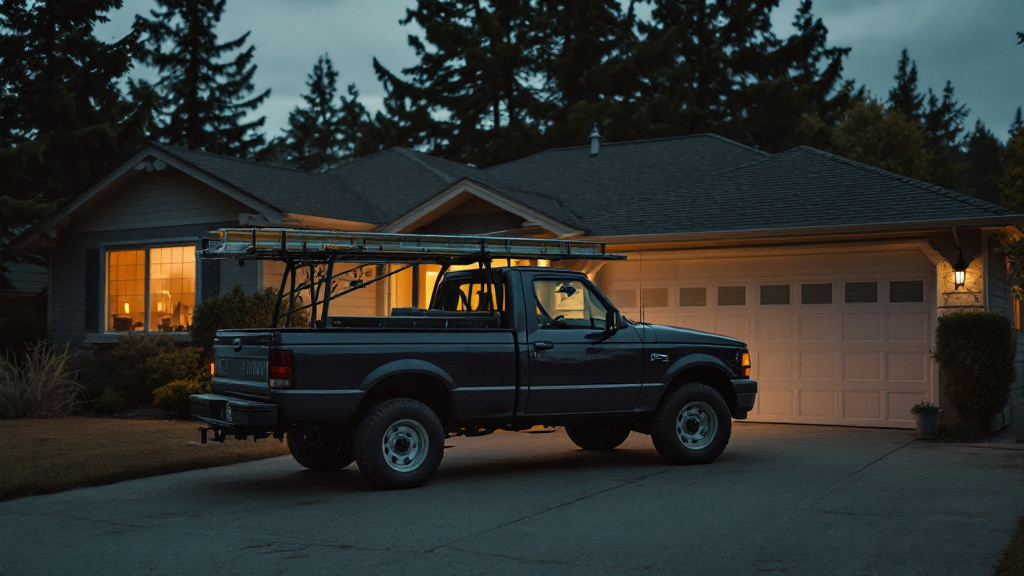
If you're a plumber, painter, cleaner, electrician, or landscaper, you probably don't have a shop where customers walk in. You have a truck, a garage full of gear, and a list of towns you'll drive to.
Google has a setup for exactly that: the service-area business. Get it right and your profile shows up for nearby searches without putting your home address on the internet. Get it wrong and you can end up suspended or showing up in the wrong places.
Storefront, service-area, or both?
Google sorts businesses into three kinds.
- Storefront: customers come to you. A shop, a salon, a showroom with posted hours.
- Service-area: you go to customers. Most trades and home services.
- Hybrid: both. A landscaping supply yard that also does installs, or a locksmith with a counter.
If customers don't come to your address during business hours, you're a service-area business. That's the setting this post is about.
Step 1: Hide your address
In your Business Profile, open the business information and find the location section. You'll be asked whether you want to show your address to customers. If people don't visit you, choose not to show it.
You might still need to type in an address so Google can verify you. That's fine. Google uses it to confirm you're real and to understand where you're based; it doesn't have to be shown to anyone.
Two rules here matter a lot:
- Don't show a home address you don't serve customers from. Google's guidelines are clear on this, and it's one of the common reasons profiles get suspended.
- Don't use a PO box, a mailbox store, or a virtual office. Those aren't allowed as business addresses.
Step 2: Set your service area
Add the cities, towns, or ZIP codes you serve. Google allows up to 20, and its guidance is that your area shouldn't stretch much past about two hours of driving from your base.
Be honest and a little picky. List the places you'd happily drive to on a Tuesday morning, not every town in the county. A few reasons:
- Distance from the searcher still counts. Adding a city 45 minutes away won't put you on the map there; the businesses closer to that searcher will usually rank first.
- Calls from the edge of your list are often the jobs you turn down, and a phone that rings for work you won't take costs you time.
- A tight service area that matches your website and your other listings looks consistent, and consistency helps Google trust the profile.
Step 3: Verify
Google will ask you to verify. For service-area businesses that's often a short video: show your vehicle with any signage, your tools, and something that shows you run the business, like a work order or a business license. Follow the prompts in the profile and do it promptly; verification requests can time out.
Step 4: Make the rest of the profile do the work
Without an address on display, the rest of the profile carries more weight.
Your business name should be your real business name, exactly as it's on your truck and invoices. Adding "Plumbing Everett Drain Cleaning" to the end is against the guidelines and a common cause of suspensions.
Your primary category should be the specific trade: "Plumber," "Painter," "House cleaning service." Add secondary categories for the other work you do.
Your description should say plainly what you do and where. One short paragraph is plenty:
Two-person painting company based in Snohomish. Interior and exterior repaints, cabinet refinishing, and drywall repair for homes in Snohomish, Monroe, Lake Stevens, and Mill Creek. Licensed, bonded, and insured. We answer the phone ourselves.
Photos of real jobs in real neighborhoods show you work where you say you work.
Posts every week or two keep the profile from looking abandoned. Mention the neighborhood when you post about a job, the way you'd tell a neighbor. "Just wrapped a hallway and stairwell repaint in Mill Creek" is local, true, and useful. Need ideas? Here are 12 Google Business post examples for home service businesses.
Mistakes that cause trouble
- Showing a home address customers don't visit.
- Using a virtual office or rented mailbox as your address.
- Listing 20 cities across three counties when you work in four.
- Creating a second profile for a second town. One business, one profile.
- Keyword-stuffing the business name.
If you're not showing up after all this
Service-area profiles can take a while to climb, especially if they're new. If you're verified and set up correctly but still not on the map, read why your business might not be showing up on Google Maps. It's usually reviews and activity, and those build with time.
Ariadne writes your Google Business posts every week in your voice, mentioning the neighborhoods you actually work in, along with review requests and referral notes. Nothing posts without you. Start a free week or run the free audit to check your profile.
Frequently asked questions
Will hiding my address hurt my ranking on Google Maps?
Not when it's the right setup for your business. Google still knows roughly where you're based and uses it for distance. Showing a home address you don't serve customers from goes against Google's guidelines and can get the profile suspended.
How many service areas can I add?
Google lets you add up to 20 service areas. Its guidance is that the area shouldn't extend much past about two hours of driving from where your business is based.
Does adding more cities make me show up in more places?
Not much. Distance from the person searching still matters, so listing a city 40 miles away won't make you rank there. Choose the areas you actually want work in.
Can I use my home address?
You can enter it so Google can verify you, but keep it hidden from customers if they don't come to you. A PO box, mailbox store, or virtual office isn't allowed as a business address.